Test Booking Schedule
This is use to test if the schedule time and date is still available for a certain product to be booked.
-
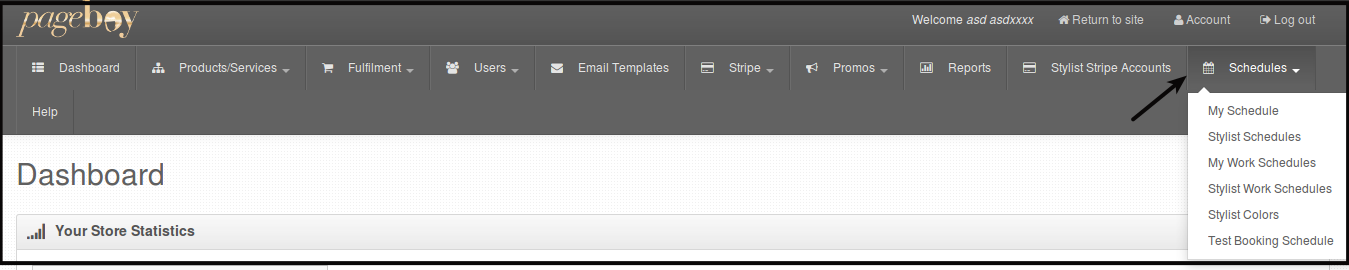
Click Schedules.
-
Click Test Booking Schedule.

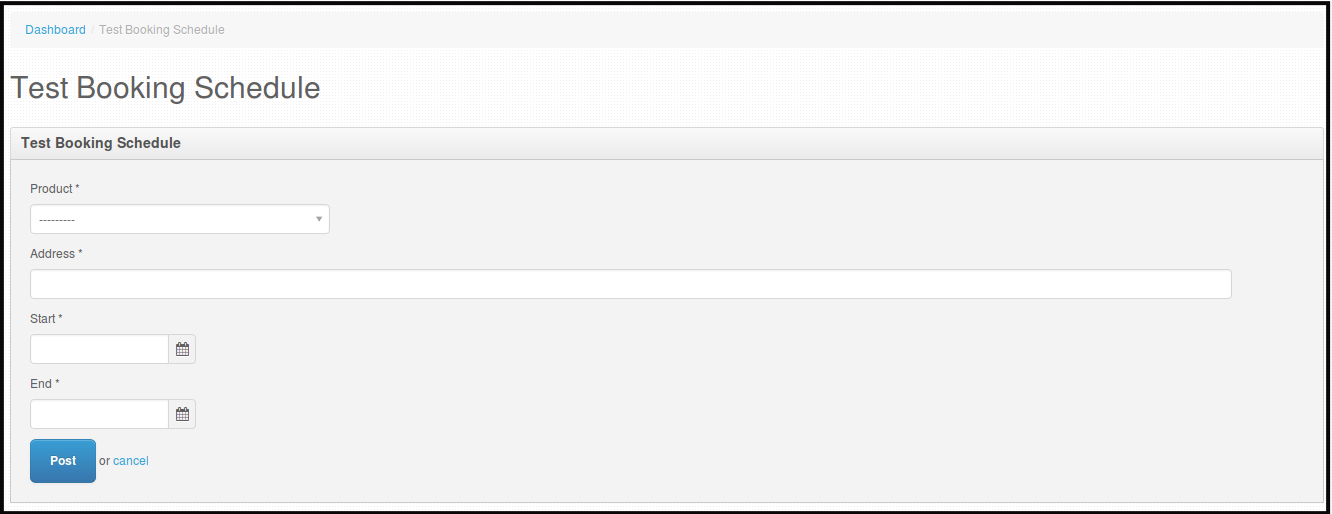
You will be directed to this page.
-
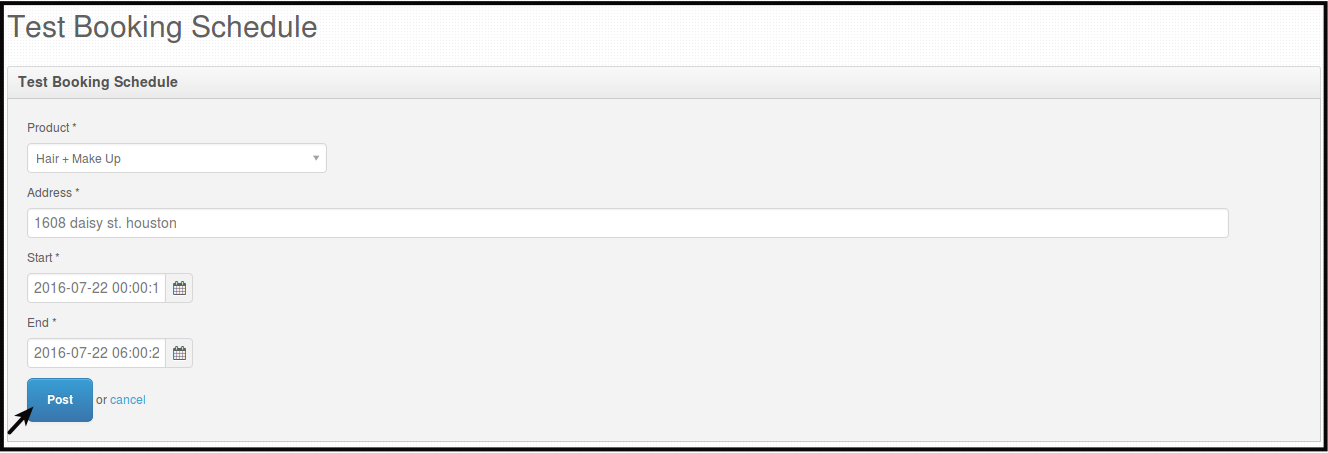
Select Product from the dropdown, fill out address, select the start date and time and select the end date and time.
-
Click Post, to search if the schedule for that product is bookable.
You will be directed to this page for the answer.
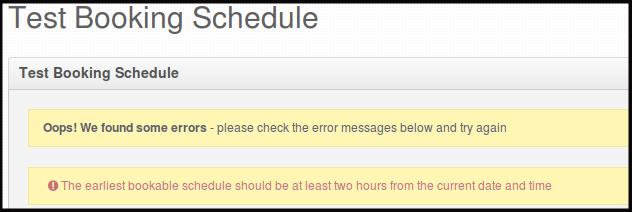
NOTE: There are couple of results that you might see, depending if it is out of coverage area, no stylist available or the schedule time is full.