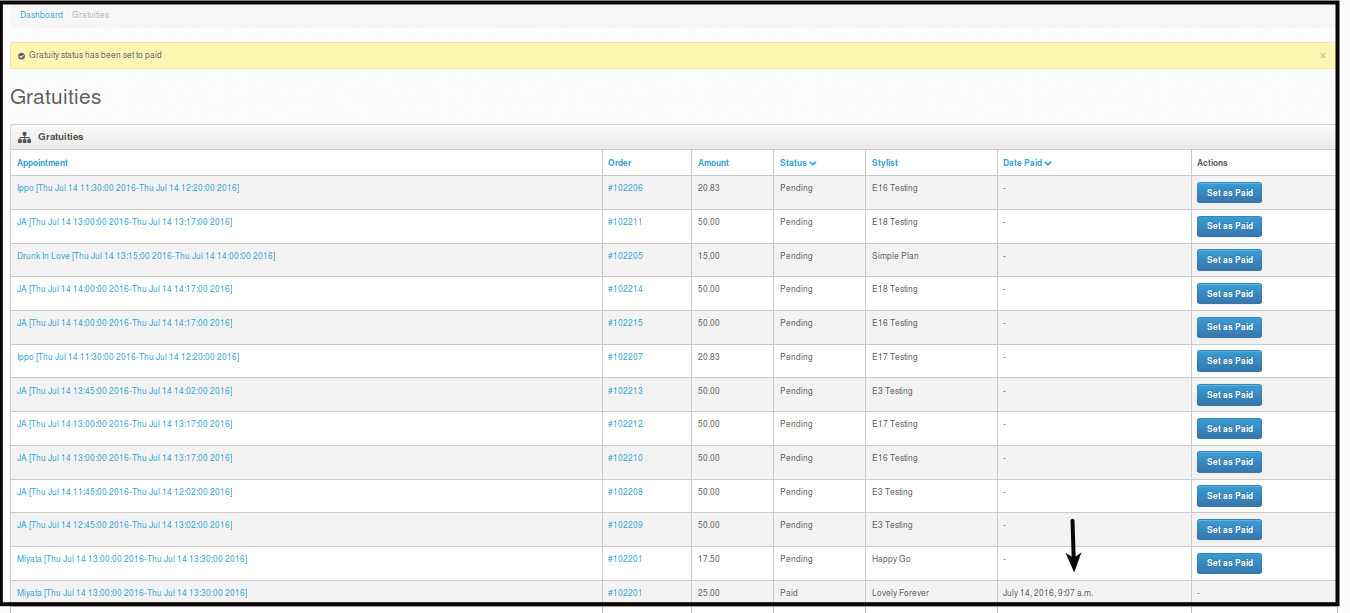
Tracking Gratuity Manually
Gratuity Manual Tracking - this feature is only used when stripe failed to pay the stylist.
-
Gratuity for Stylists are paid daily on certain times of the day. This board will automatically update itself when gratuity is paid by stripe.
-
This feature is only used for emergency concerns only, this is when stripe failed to transfer payments.
-
Setting the gratuity as paid using this feature will not affect stripe.
-
Setting the gratuity before stripe automation will make Stripe not to do automatic payment of the stylist gratuity.
How to Manually Track Gratuity
-
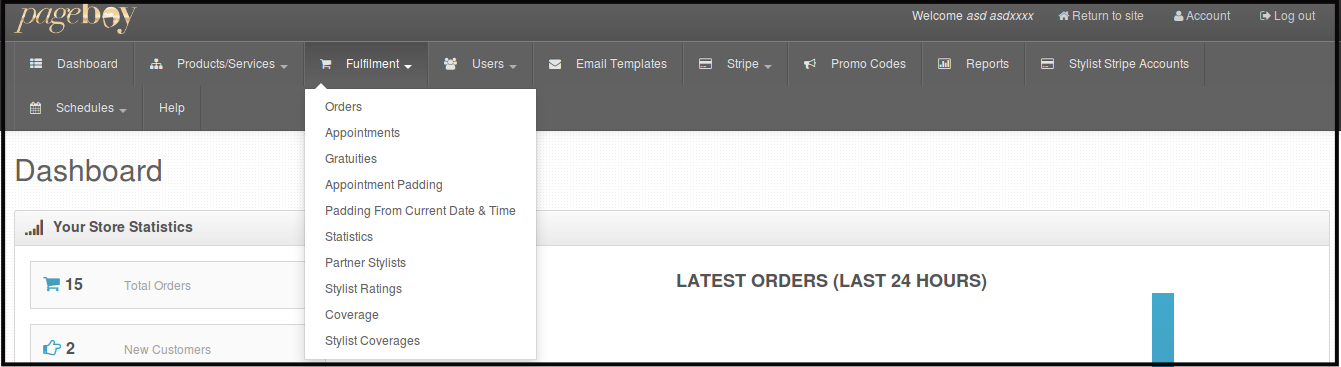
Click Fulfillment.
-
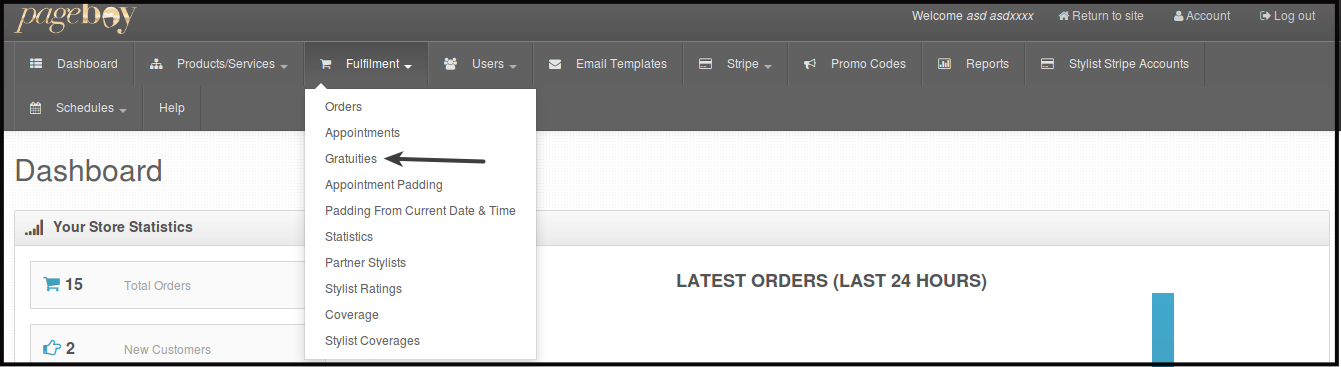
Click Gratuities.
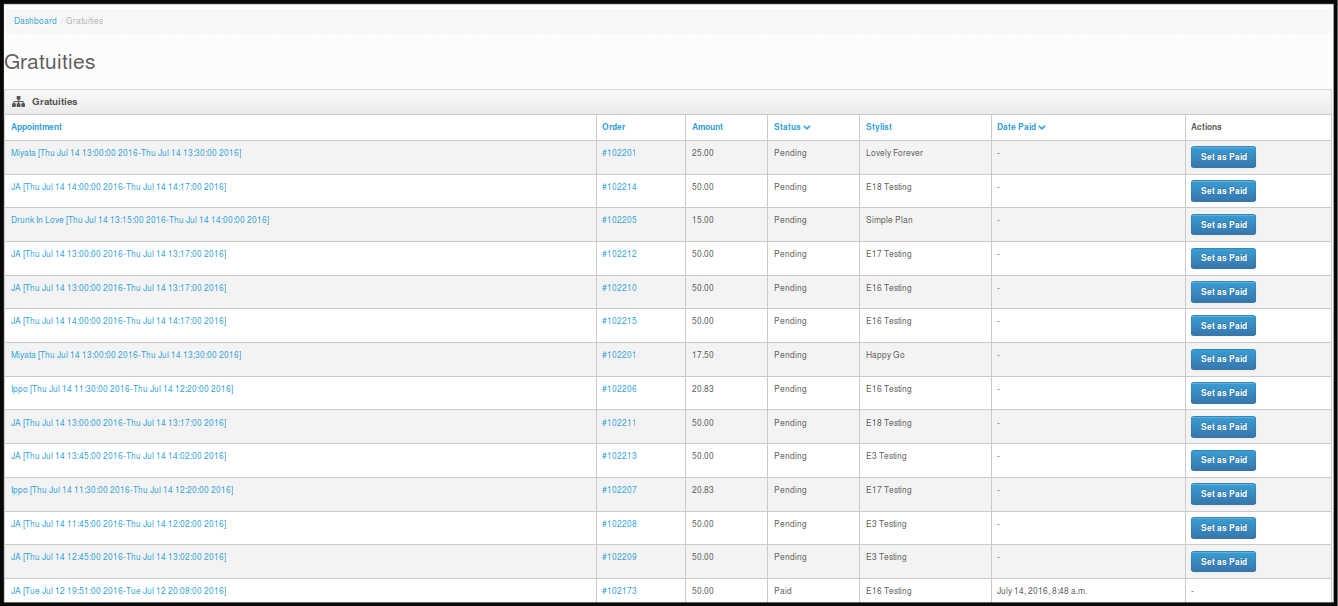
Then you will be directed to this page.
-
Click Set as Paid. This will automatically tell the system that the gratuity for this certain appointment and stylist is paid. Stripe will not pay for this appointment gratuity anymore.
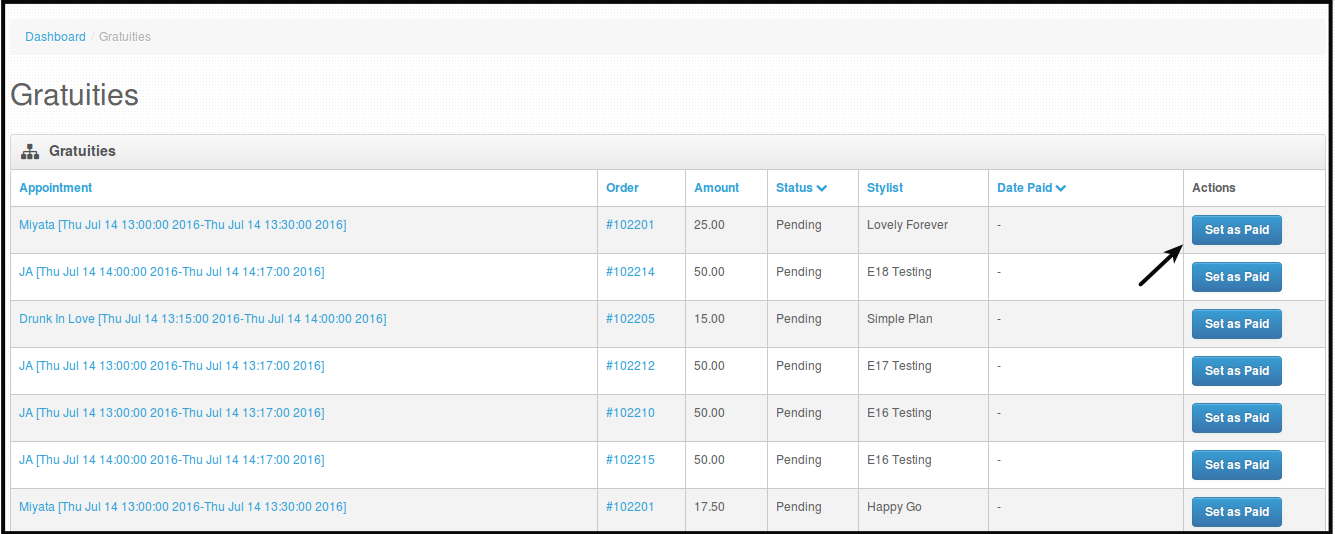
Then you will be directed to this page.