Create Manual Charge
Create Manual Charge - this feature is used to process payment from the customer's registered credit card on the app.
-
Only the default credit card of one of our Active customer can be used.
-
Use this with caution and with customer's consent only.
-
Any amount can be processed through this function using stripe.
How to Process Manual Payment
-
Click Stripe.

-
Click Create Manual Charge.

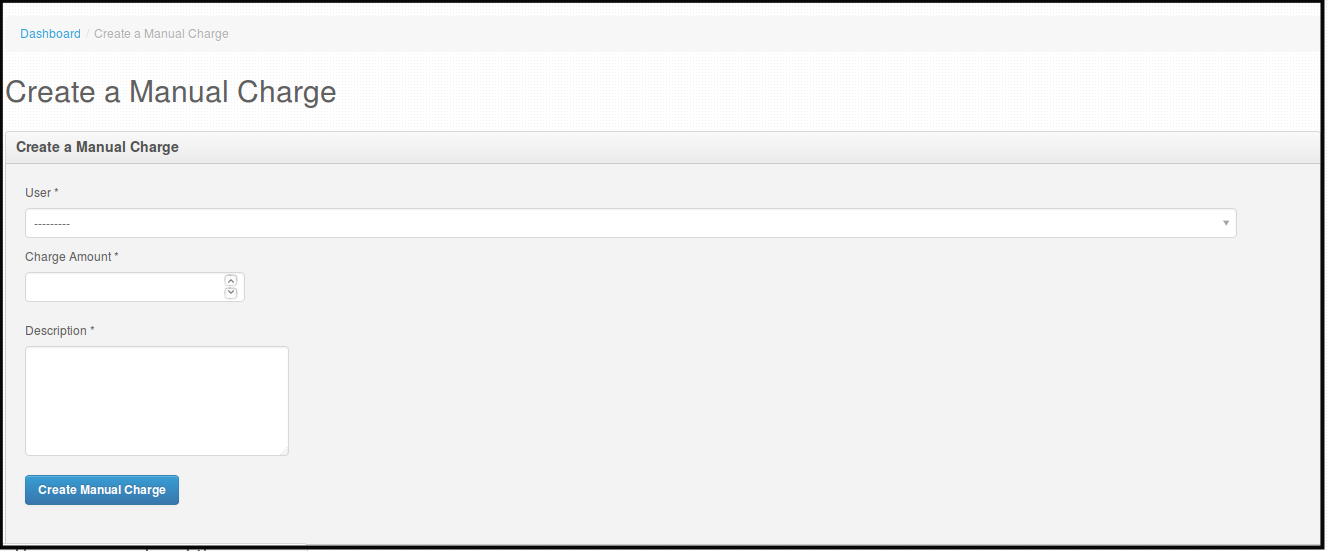
Then you will be directed to this page.
-
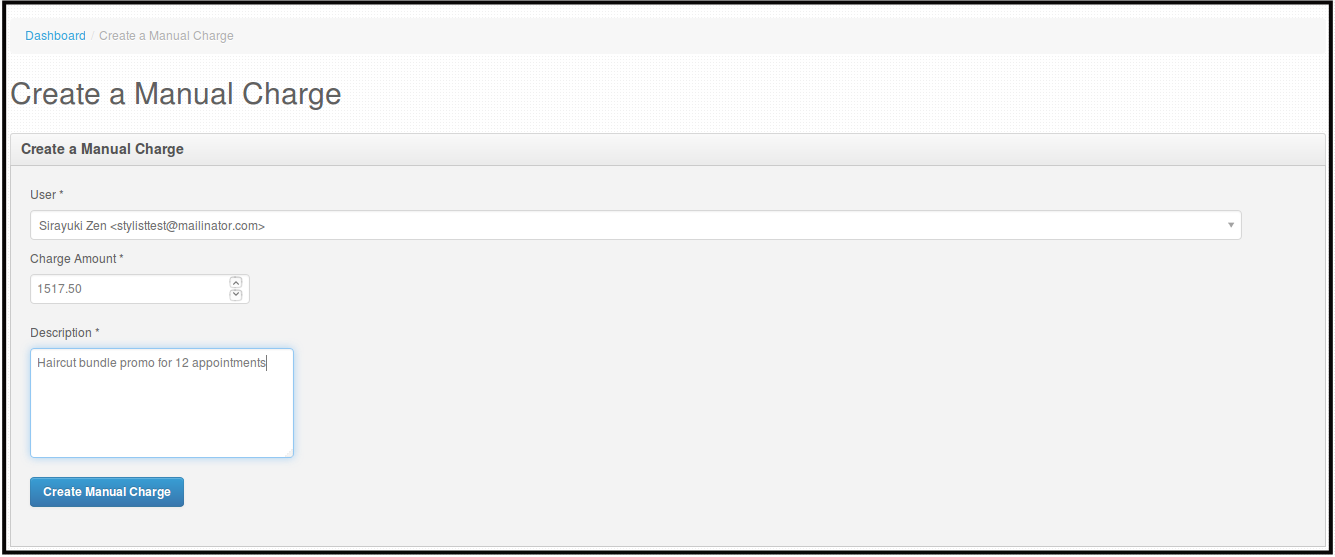
Choose the user you want to charge, input the amount you want to collect and put in the description for the payment or notes about the payment.
-
Click Create Manual Charge.
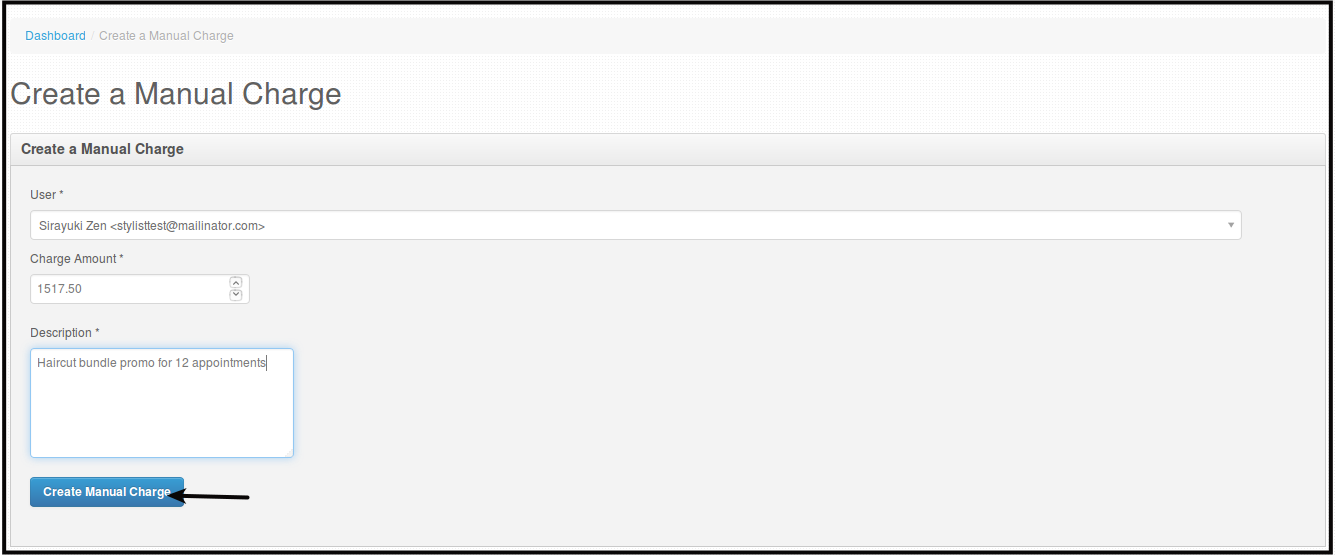
Then you will be directed to this page.

How to View Manual Payment
-
Click Stripe.
-
Click Stripe Transactions.

Then you will be directed to this page.

Here you can see all the transactions you did manually using Stripe, the transfer made to manually add stripe balance and all the manual collection made via Stripe Manual Charge.